Groups & collaboration
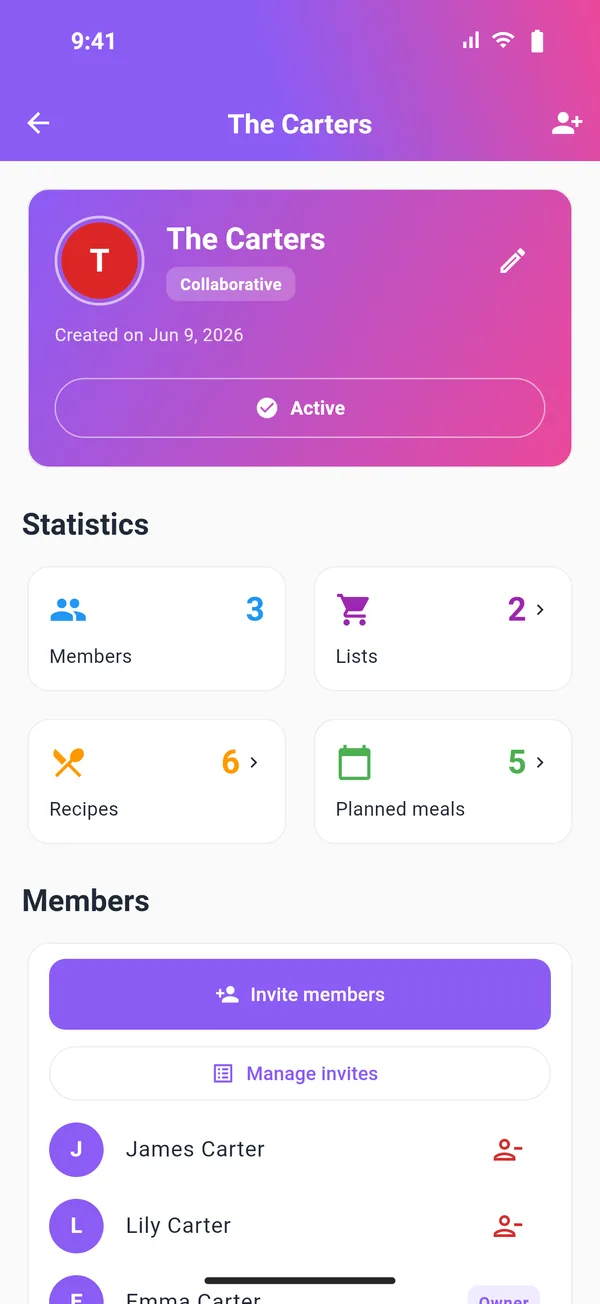
Be in multiple groups — personal, family, coworkers. The app automatically picks the right group.
FoodLister organizes your Lists, Recipes and Planner by group — family or team. Check items off, cook, stay in sync.
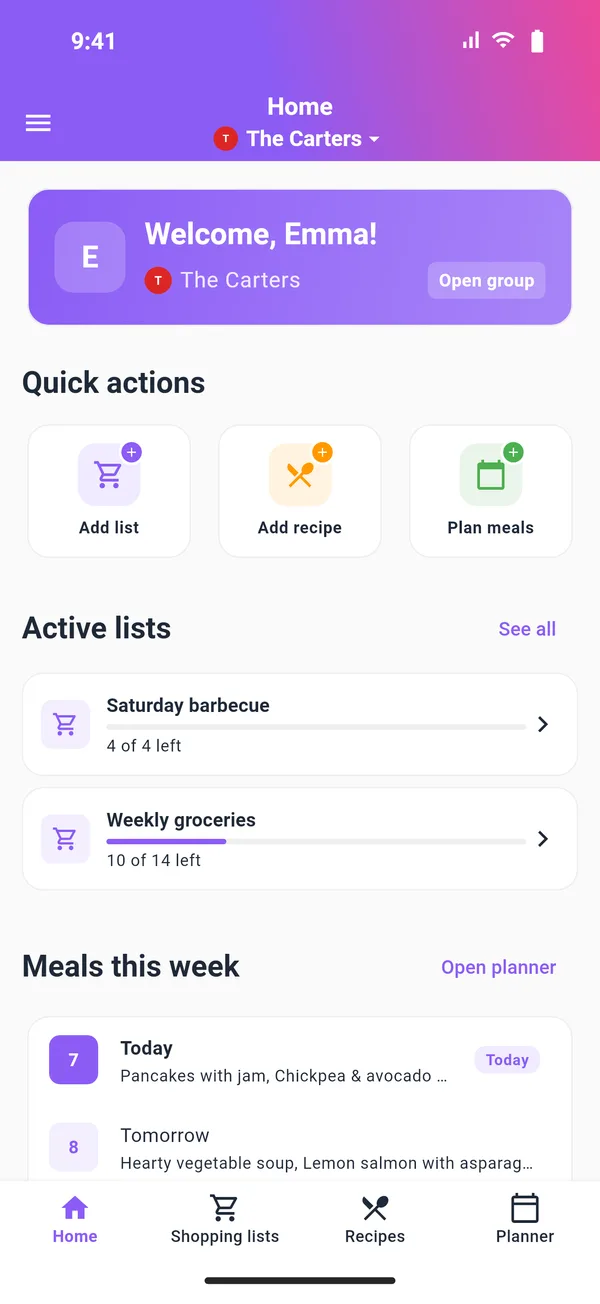
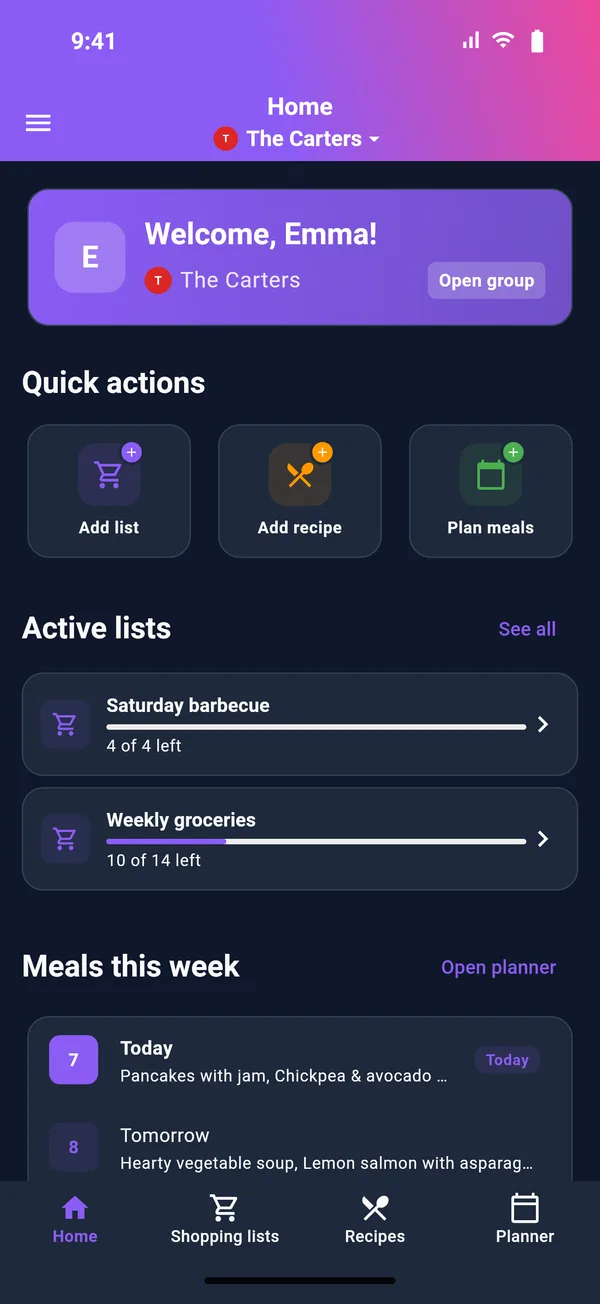
Built for real life at home — fast, clear, friendly.
Be in multiple groups — personal, family, coworkers. The app automatically picks the right group.
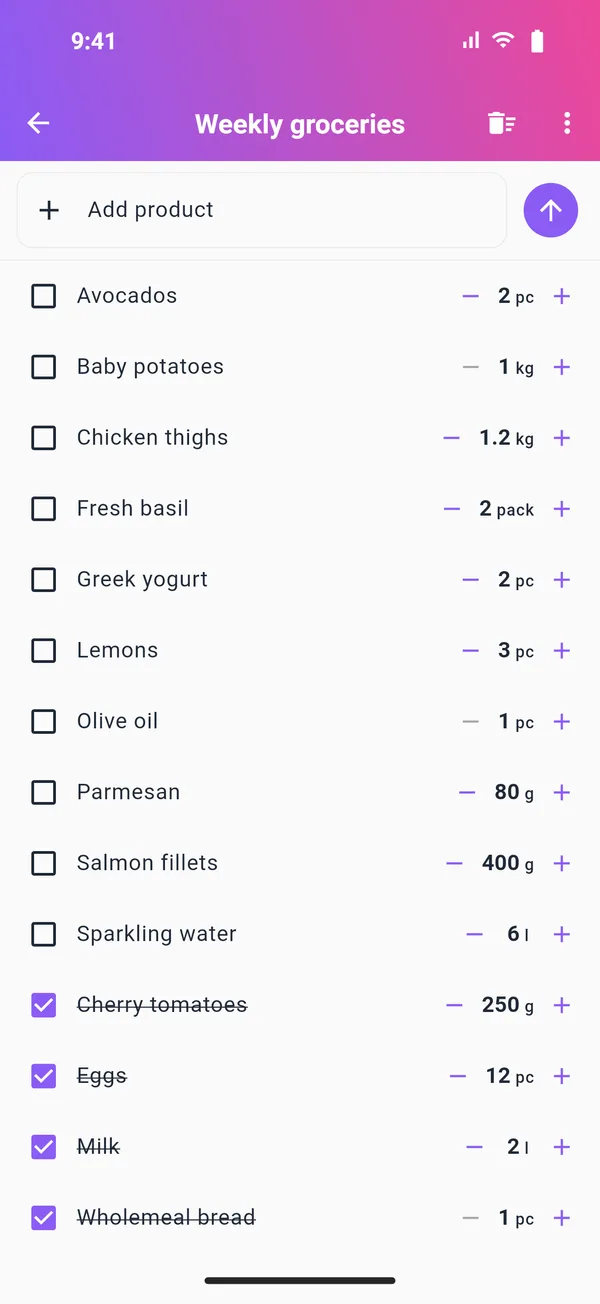
Items are grouped logically — unchecked first, then alphabetical. Find what you need quickly.
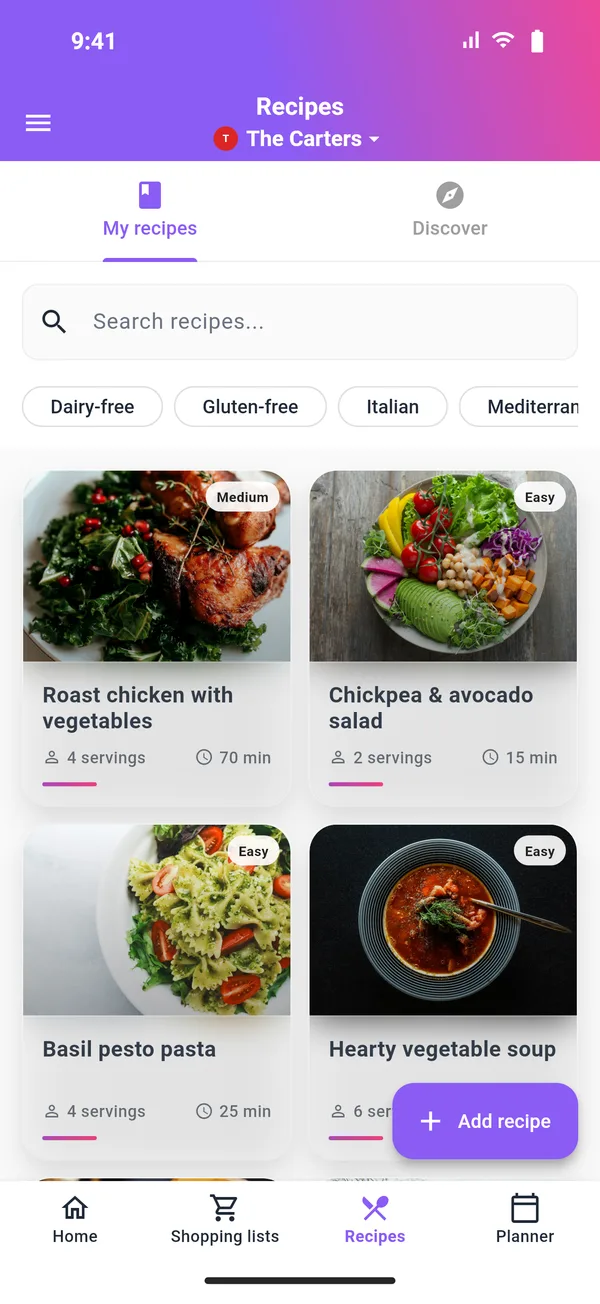
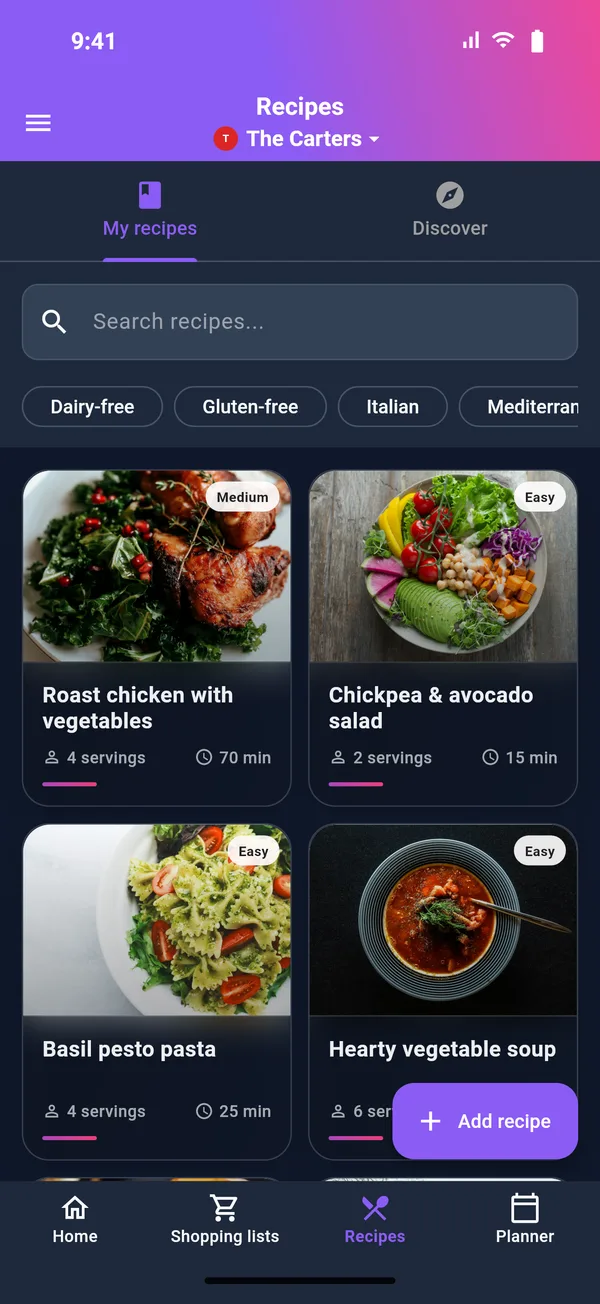
A shared recipes collection with tags and title search — everything one tap away.
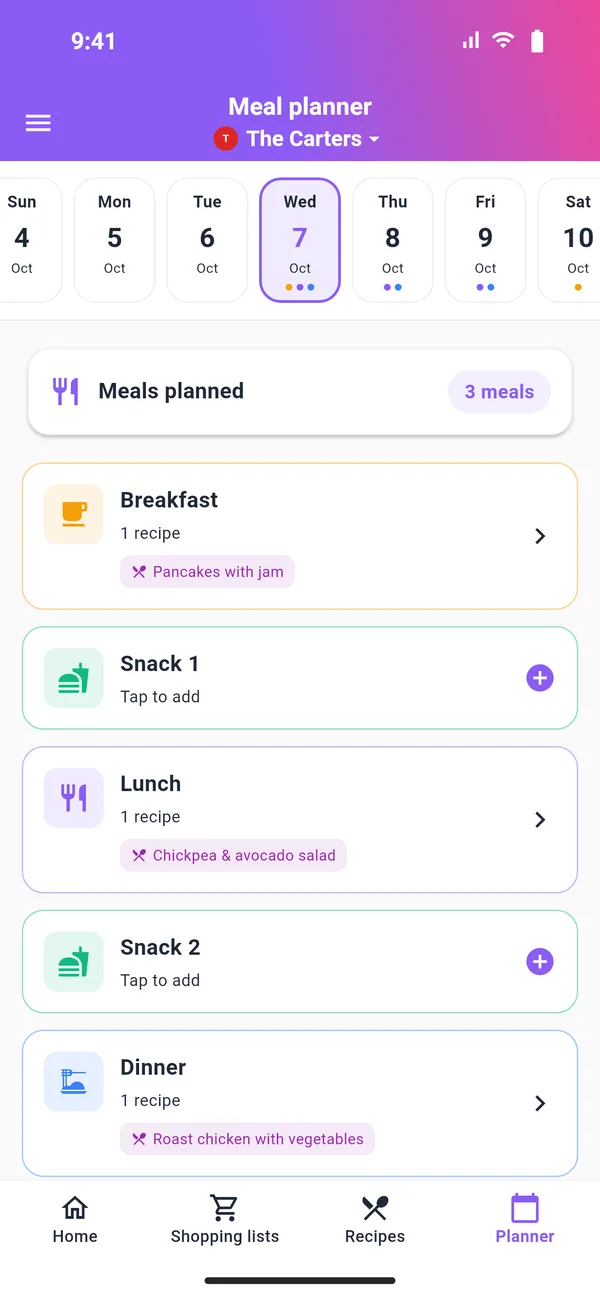
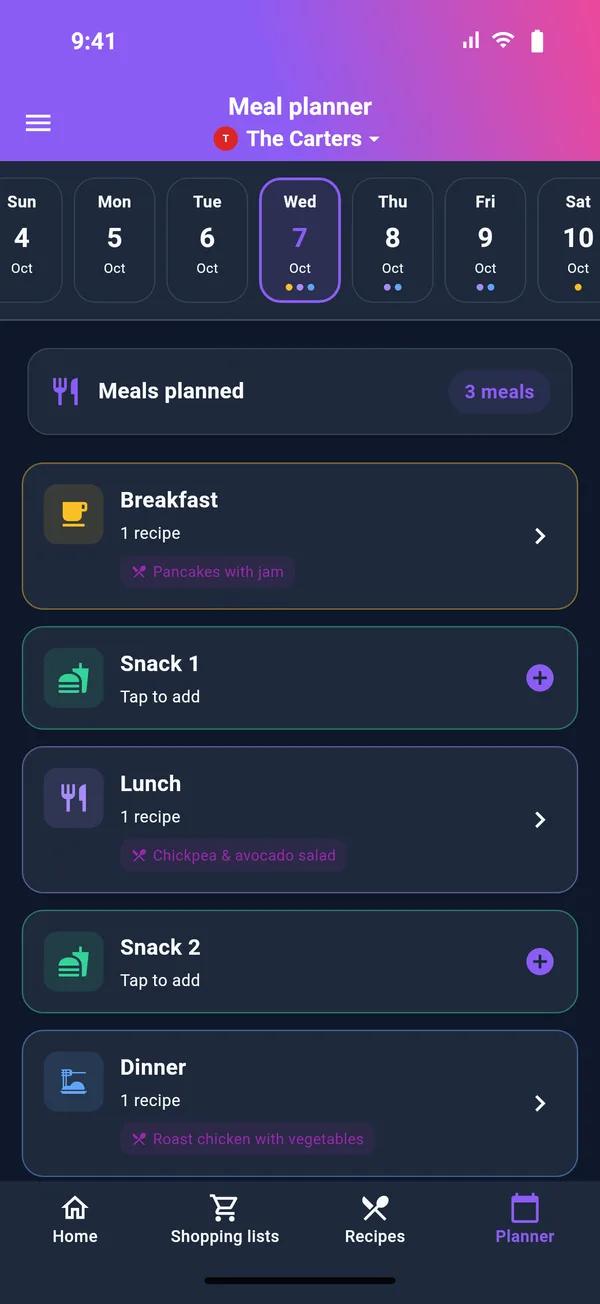
A day-by-day meal plan so you always know what’s next — less “what’s for dinner?”.
Out of ideas? Browse a public catalog of recipes by tag or title — and submit your own favourites for others to discover.
Lose connection? Keep going. Your lists keep working and sync again once you’re back online.
From “what do we cook?” to a complete shopping list, in minutes.
Personal, family, or team — FoodLister auto-selects the right group on start.
Build your group’s recipe collection and category lists that are easy to scan in-store.
Set meals by day and the shopping list practically fills itself.
Four key screens. Tap a tab to switch between them.
Unchecked first, then alphabetical. Clean, organized, easy to scan in-store.
A shared collection with title search and tags. Ideal for family or teams.
Know what’s coming. Plan meals, and shopping becomes a formality.
Personal, family, team. The app automatically picks the right group (prefers “personal”).
Secure account, restorable session, sign-in via email or social (Google, Apple, Facebook). Your data stays where it belongs.
Email + social login (Google, Apple, Facebook).
Get back in easily, even after a restart.
Keep going without connection, without losing anything.
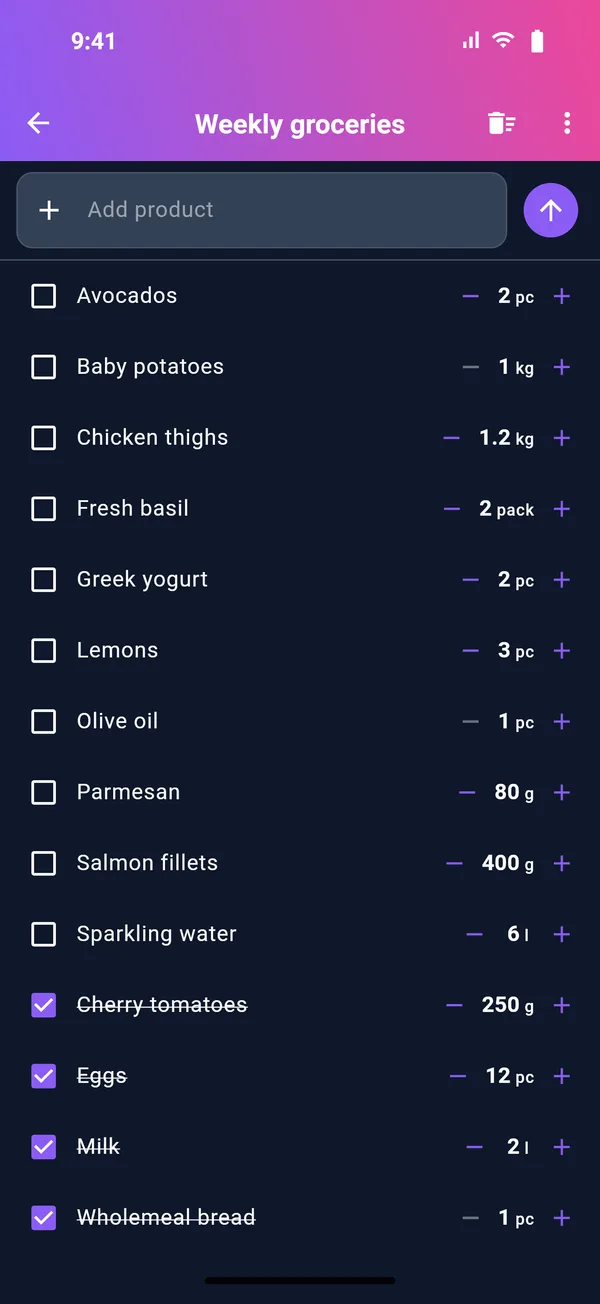
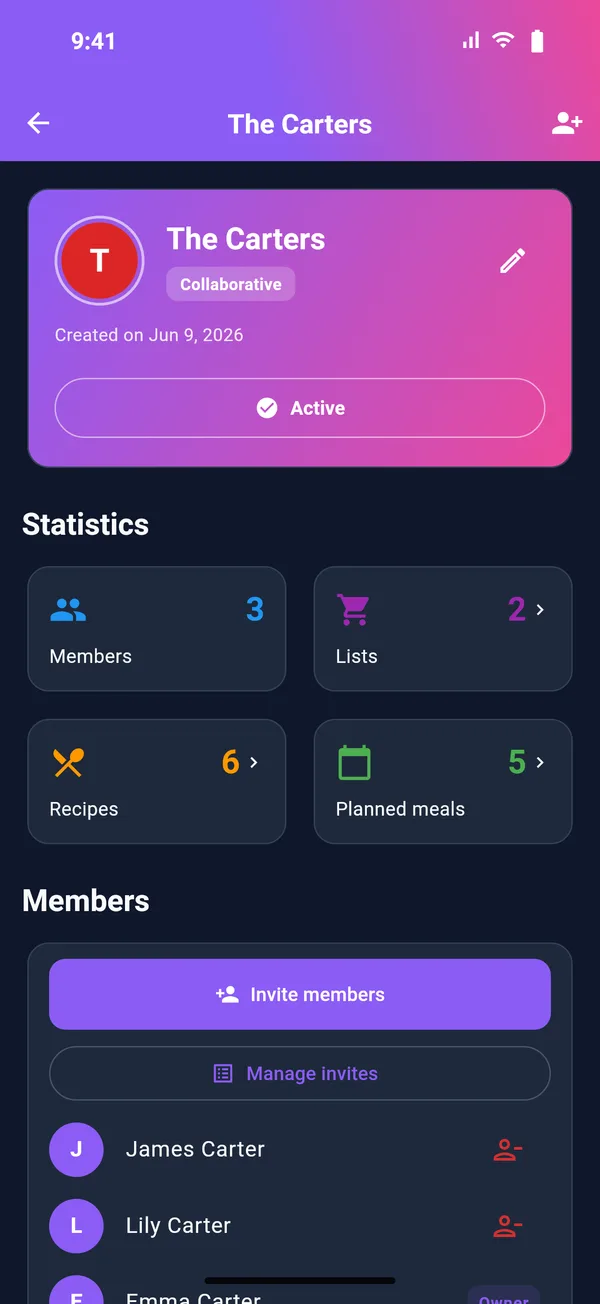
Comfort on any device — your preference is remembered.
Available on iOS and Android. Sign in with email or Google, Apple, or Facebook and start in seconds.
Can’t find the answer? Email us at [email protected].
Have a question, want a demo, or have feedback? Write us and we’ll get back soon.